Woohoo Frozen 2, I've been waiting for this!
Siosiua reckons he's found a link to it anyway. Hope he's been using his Cyber Smarts!
Check out Room 7's entry into the Manaiakalani Film Festival for 2019.
Credit to Bethan for helping us with the singing :)

This blog was maintained by Mr Goodwin during the time she taught at Pt England School. There will be no further posts and comments have been disabled.
Wednesday, 13 November 2019

Friday, 19 July 2019
Team 4 Holiday Blogging - Task 10

Task 10: Goals for next term
Instructions
Challenge
- Write some goals for yourself for next term
- Name at least 3 things you want to try and get better at it
Share
- Present it on your blog in a creative way

Remember to use the Label: Team 4 Holiday Blogging
Thursday, 18 July 2019
Team 4 Blogging Challenge - Task 9
Task Nine: Creative Writing
Instructions
Read
- Read the three story starters - Link here
Write
- Choose 1 of the story starters above
- Copy the story starter you have chosen
- Paste it into a new doc and continue to write it till the end.
- Copy the story starter you have chosen
- Paste it into a new doc and continue to write it till the end.
Create
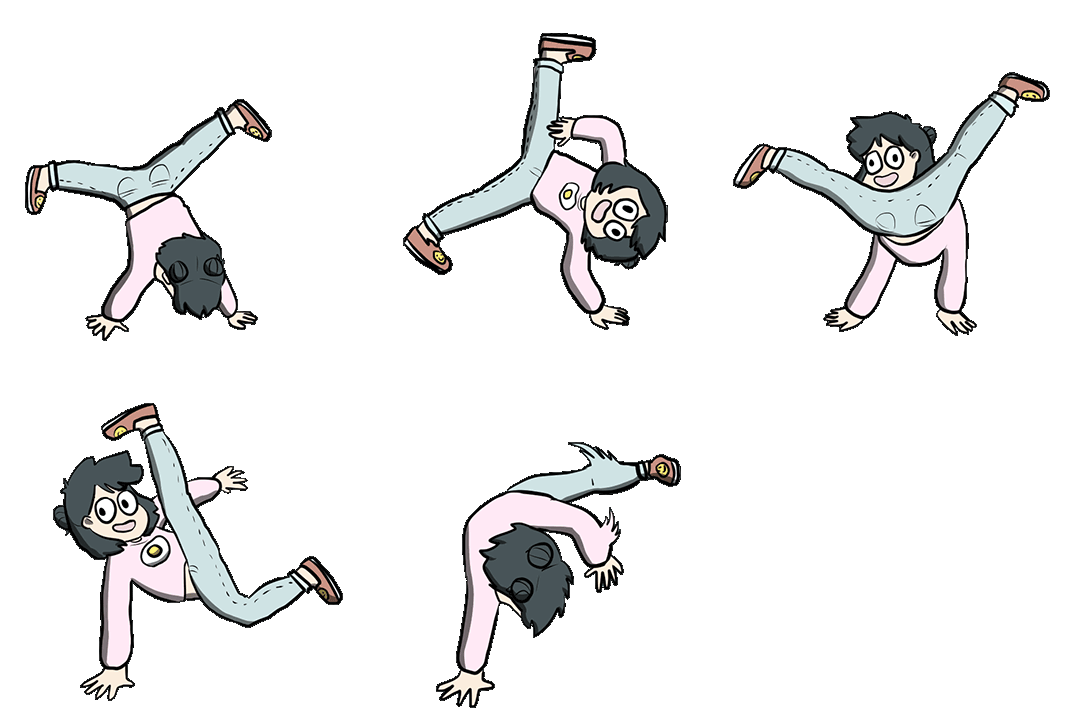
- Create a slide-amation (Google slides animation) to go with story
- It should be around 100 slides long
- It should be around 100 slides long
Share
- Share your writing on your blog with your animation
- Remember to embed your animation properly by changing the transition speed from 1000 to 100 ms
- Remember to embed your animation properly by changing the transition speed from 1000 to 100 ms
 Remember to use the Label: Team 4 Holiday Blogging
Wednesday, 17 July 2019
Team 4 Blogging Challenge - Task 8
Task Eight: Logo
Instructions
Read
- What is a logo? - Link here
- Watch the video on what logo’s are here
Challenge
- Team 4 Holiday Blogging needs it’s own logo!
- If we can create an Team 4 holiday blogging logo, then we could create our own badge for our blogs.
- What is a badge for your blog? - link here
Create
- Your challenge is to design a logo for the Team 4 Holiday blogging and share it on your blog.
- If the teachers like your design, then they might turn it into the actual logo!
- You can do your design on programme you choose, or on paper.
Share
- Once your design is complete share it on your blog.
- Please include at least a paragraph of writing explaining your logo, and why you think it is a good one.
Extra
- Create another blog post, a “How to” for other kids to have a go.



Remember to use the Label: Team 4 Holiday Blogging
Tuesday, 16 July 2019
Team 4 Blogging Challenge - Task 7
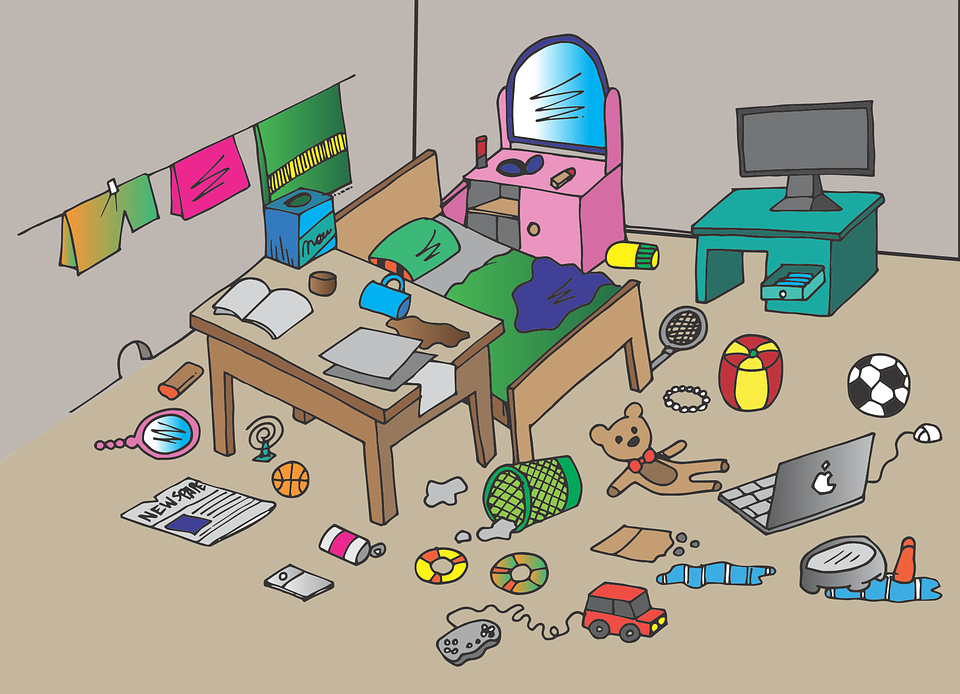
Task Seven: Clean your Room
Instructions
Read
- How to clean your room - Link here
Activity
- You are going to clean your room and take some before and after photos! *(if you don’t want to photograph your room, or it’s already clean, just pick a different job to do instead)
Create
- Take a photo of your messy room for the Before photo
- Start the google stopwatch on your chromebook (stop when you finish)
- Take an After Photo
- Create a blog post about cleaning your room. Be sure to include how long it took, and both - Before and After Photos
Extra
- Create another blog post, a “How to” for other kids to have a go.
- Keep your instructions simple.
I.e. Step 1: Blah blah
Step 2: Blah Blah
Remember to use the Label: Team 4 Holiday Blogging
Monday, 15 July 2019
Team 4 Blogging Challenge - Task 6
Task Six: Stick Figures
Instructions
Read
- What is a stick figure? - Link here
- Watch the how to draw a stick figure - here
Activity
- On a piece of paper practice drawing different kinds of stick figures.
- - > Draw them doing all sorts of things i.e:
- - > Sports
- - > Swimming
- - > Eating etc
Share
Share some of your best drawings on your blog using your webcam! Include some of your tips that you have for people learning to draw stick figures better.
Extra
Using the Animation creator bring your stick figures to life! Save your animation using screencastify and put it on your blog via Google drive. Remember you will need to make the video “Anyone with the link” if you want people to be able to see it on your blog.


Remember to use the Label: Team 4 Holiday Blogging
Friday, 12 July 2019
Team 4 Blogging Challenge - Task 5
Task Five: Origami
Instructions
Read
- What is Origami? - Link here
- Watch the video on History here
Activity
- You are going to get the chance to do some origami.
- Use this website to help you with your designs - Instructions
Materials
- You will need paper. The paper needs to be SQUARE not RECTANGLE.
Share
- Create a blog post about Origami and Share your creations that you have made so far.
Extra
- Create another blog post, a “How to” for other kids to have a go.
- Record a screencastify of your self making one

Remember to use the Label: Team 4 Holiday Blogging
Subscribe to:
Posts (Atom)