Wednesday, 11 November 2020

Level 2 BBQ


Life at school during Level 2 was weird to be sure. 
Sometimes even boring, let's be honest. 
However, just because things were a bit different, with a few more rules, doesn't mean we can't have fun. 
Check out these kids having a BBQ at level 2. 


Wednesday, 4 March 2020

Are you in the Zone?

Our movie for PENN this week. Reminding everyone about being the right zone.


Monday, 24 February 2020

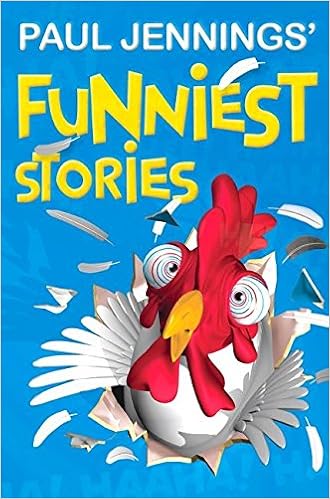
Funniest Stories - Chapter Book

Holy moly how good is Paul Jennings!?

Funniest Stories
By Paul Jennings
Image result for paul jennings funniest stories

Paul Jennings writes the funniest short stories, and this book is a collection of the best. Our favourites were 'Cowdung Custard' (we will let you use your imagination for what thats about), and 'Ringing Wet' - the funniest story about wetting the bed/ your pants you'll ever read.

Writing like Paul Jennings - Madison Writing

We love Paul Jennings in Room 7. With favourites such as Cowdung custard, and Ringing Wet you know we are all about the silly ones.

Here is Maddi's shot at writing a silly short story.

See her full blog here


The Time Machine 
by Maddison 

Walking all the way to my dad's lab, I cross the road over the bridge and then take the bus the rest of the way. When I arrived at the lab to see my dad the time was 7.31. Dad had told me to will arrive at 7:30. I was late! He told me to come fast so I can see the big MACHINE!! He called it... the "time machine". I ran to over to look at it. It was shiny, with a chair in the middle of it. Dad told me to stay behind the red line but I didn't.

 I looked behind, and in front of the machine. I asked dad if I could go inside, but he said "no son it's too dangerous’’. I had the grumpiest face ever. Then when he wasn't looking, I ran in the Machine and turned it on and "WOW"! I went to a different world.

When I saw a different world I started to cry. Then I heard some more crying. I looked behind me and saw my dad's WORKERS!!! I ran over to see them. I asked them what happened. They said that they had been testing if the time machine works. but they end up staying in the middle of nowhere as well! I was so MAD that I pushed a rock and it broke. They told me that if we get a computer chip that was super powerful, and we plug it in the machine. We can go back home . So we started my journey to find one. It took days, nights, and more days, and more nights. Finally When we arrived I grabbed the chip and it teleported home. When we got home I gave my dad a beating. 

The end

Friday, 21 February 2020

Million dollar shopping spree - Atawhai (Writing)

What would you do with a million dollars at the mall?
Check out Atawhai's writing to find out what she would buy on a million dollar shopping spree.
ATAWHAI 
See her full blog here


If I had a million Dollars at the Mall

If I had a million dollars at the mall It would be fun because I could get anything I want Like Toys,Shoes and Ps4. Including food.

If I went to Toy world I would get all the Remote controls and Nerf guns. I will get a Remote control High- speed Police Boat that I could put in the Pool and Zoom around. I would also get a Remote Control Helicopter that can Go as high as it can and properly attach a gopro on it so I could Sneak on my brothers without Going in the room. I will also get a Toy Racing car that Will drive on the road and I will Trip my sister . I will also get a Humongous Teddy bear because they are Cute and fluffy and Nerf guns To shoot my Brothers and sisters.

I Would do the longest shopping spree in the Gaming section. Because I could get anything, But the Only thing that I want to get is a phone because I could get ubers with the rest of the money that I had. I would also get a TruSens Z-3000 Air Purifier which Is the coolest fan So it can air Out my room and I would get two for the lounge. I will also get two Ps4 in my room so Me and someone else can play fortnite and we can't be sweaty because we have a fan. I will also get a laptop and a Tv to watch some movies.

My favourite shoes are Adidas,Reebok,Converse and Nike's and I will get them all . Because Now I have running shoes and I could sell them or keep them for someone else to have.

After all that shopping of course I will be Hungry! I will get me Teriyaki chicken, McDonald and some Butter chicken with flatbread because Those are all My favourite food and a salad because I love vegetables , And for the drink I will get a thick Milkshake or a sprite. And a big frozen coke

In the end I will have money left and properly give it away but if I one the lotto I will be gone for 20 years and give some to the schools

Wednesday, 12 February 2020

The Twits - Chapter Book

In Room 7 we are big fans of Roald Dahl!

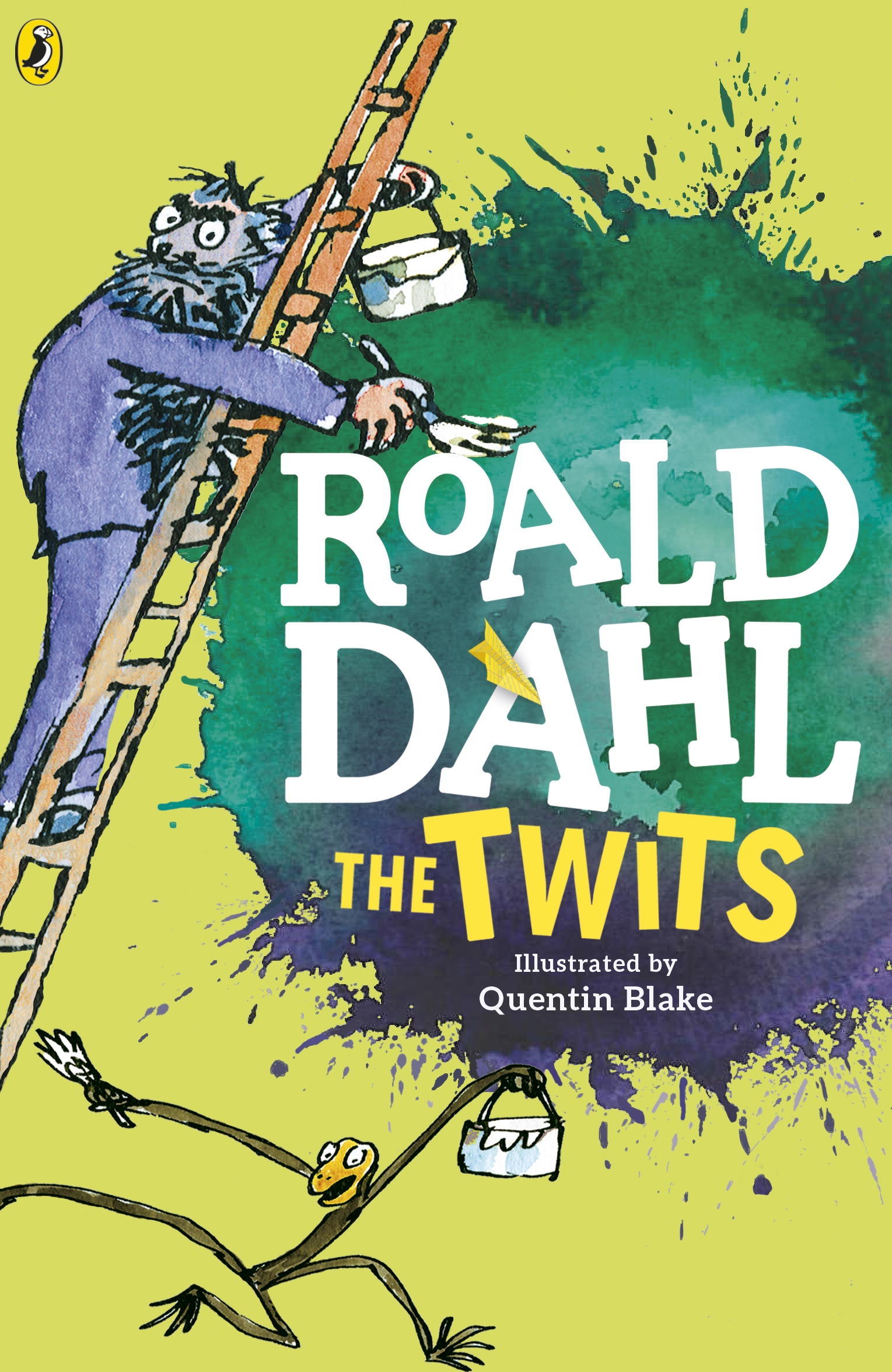
The Twits
By Roald Dahl
Illustrated by Quentin Blake

Image result for the twits

This was the first story we read as a class. If you haven't read it, then we highly recommend it.

How awful are Mr and Mrs Twit?! We found this story to be silly, and fun. Most of all we liked that it made us laugh. One interesting thing was that we thought it was interesting that the "bad guys" were actually the main characters for most of the story.


Friday, 7 February 2020

Welcome back

Welcome back to school!

Room 7 has a wonderful new class, and we are ready to get into some learning and fun.

Ladies and Gentlemen meet Room 7 for 2020.

Wednesday, 13 November 2019

Frozen 2 No Fakes! - Manaiakalani Film Festival

Woohoo Frozen 2, I've been waiting for this!

Siosiua reckons he's found a link to it anyway. Hope he's been using his Cyber Smarts!

Check out Room 7's entry into the Manaiakalani Film Festival for 2019.

Credit to Bethan for helping us with the singing :)

Friday, 19 July 2019

Team 4 Holiday Blogging - Task 10


Task 10: Goals for next term

Instructions


Challenge
- Write some goals for yourself for next term
- Name at least 3 things you want to try and get better at it

Share
- Present it on your blog in a creative way


Remember to use the Label: Team 4 Holiday Blogging


Thursday, 18 July 2019

Team 4 Blogging Challenge - Task 9


Task Nine: Creative Writing

Instructions

Read - Read the three story starters - Link here
Write - Choose 1 of the story starters above
- Copy the story starter you have chosen
- Paste it into a new doc and continue to write it till the end.
Create - Create a slide-amation (Google slides animation) to go with story
- It should be around 100 slides long

Share - Share your writing on your blog with your animation
- Remember to embed your animation properly by changing the transition speed from 1000 to 100 ms
Related image Remember to use the Label: Team 4 Holiday Blogging

Wednesday, 17 July 2019

Team 4 Blogging Challenge - Task 8


Task Eight: Logo

Instructions


Read
- What is a logo?  - Link here
- Watch the video on what logo’s are here

Challenge
- Team 4 Holiday Blogging needs it’s own logo!
- If we can create an Team 4 holiday blogging logo, then we could create our own badge for our blogs.
- What is a badge for your blog? - link here

Create
- Your challenge is to design a logo for the Team 4 Holiday blogging and share it on your blog.
- If the teachers like your design, then they might turn it into the actual logo!
- You can do your design on programme you choose, or on paper. 

Share
- Once your design is complete share it on your blog.
- Please include at least a paragraph of writing explaining your logo, and why you think it is a good one.

Extra
- Create another blog post, a “How to” for other kids to have a go.
https://upload.wikimedia.org/wikipedia/commons/thumb/e/e5/NASA_logo.svg/2000px-NASA_logo.svg.pnghttps://upload.wikimedia.org/wikipedia/commons/thumb/5/53/Google_%22G%22_Logo.svg/2000px-Google_%22G%22_Logo.svg.pnghttps://upload.wikimedia.org/wikipedia/commons/thumb/f/fa/Apple_logo_black.svg/2000px-Apple_logo_black.svg.png
Remember to use the Label: Team 4 Holiday Blogging
Tuesday, 16 July 2019

Team 4 Blogging Challenge - Task 7


Task Seven: Clean your Room

Instructions


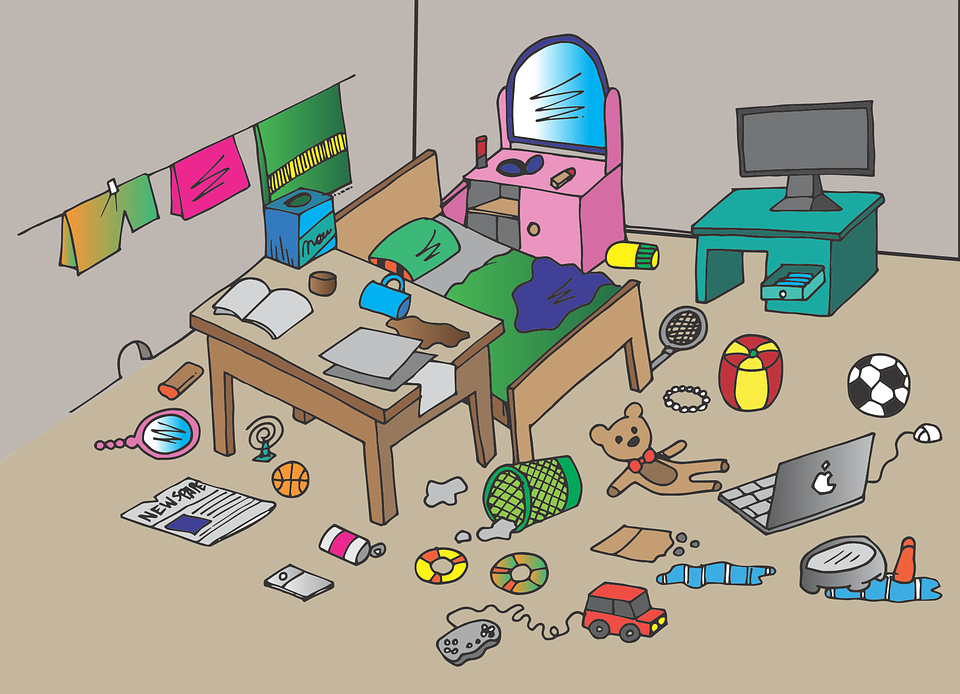
Read - How to clean your room - Link here Activity - You are going to clean your room and take some before and after photos! *(if you don’t want to photograph your room, or it’s already clean, just pick a different job to do instead) Create - Take a photo of your messy room for the Before photo - Start the google stopwatch on your chromebook (stop when you finish) - Take an After Photo - Create a blog post about cleaning your room. Be sure to include how long it took, and both - Before and After Photos Extra - Create another blog post, a “How to” for other kids to have a go. - Keep your instructions simple. I.e. Step 1: Blah blah Step 2: Blah Blah
https://cdn.pixabay.com/photo/2016/06/15/19/05/messy-1459688_960_720.png
Remember to use the Label: Team 4 Holiday Blogging

Monday, 15 July 2019

Team 4 Blogging Challenge - Task 6


Task Six: Stick Figures

Instructions


Read - What is a stick figure? - Link here - Watch the how to draw a stick figure - here Activity - On a piece of paper practice drawing different kinds of stick figures. - - > Draw them doing all sorts of things i.e: - - > Sports - - > Swimming - - > Eating etc Share
Share some of your best drawings on your blog using your webcam! Include some of your tips that you have for people learning to draw stick figures better. Extra Using the Animation creator bring your stick figures to life! Save your animation using screencastify and put it on your blog via Google drive. Remember you will need to make the video “Anyone with the link” if you want people to be able to see it on your blog.
https://cdn.pixabay.com/photo/2014/04/03/10/07/stick-309861_960_720.pnghttps://cdn.pixabay.com/photo/2013/07/12/17/12/angry-151791_960_720.png
Remember to use the Label: Team 4 Holiday Blogging

Friday, 12 July 2019

Team 4 Blogging Challenge - Task 5


Task Five: Origami

Instructions


Read
- What is Origami?  - Link here
- Watch the video on History here

Activity
- You are going to get the chance to do some origami.
- Use this website to help you with your designs - Instructions

Materials
- You will need paper. The paper needs to be SQUARE not RECTANGLE.

Share
- Create a blog post about Origami and Share your creations that you have made so far.

Extra
- Create another blog post, a “How to” for other kids to have a go.
- Record a screencastify of your self making one
https://cdn.pixabay.com/photo/2013/07/13/10/08/origami-156627_960_720.png
Remember to use the Label: Team 4 Holiday Blogging

Thursday, 11 July 2019

Team 4 Blogging Challenge - Task 4

Task Four: Floating Challenge

Instructions


Read
- The Titanic Site about Buoyancy - Link here
- Watch the videos as well!

Experiment
- The aim of this experiment is to test whether things float or not.

Find something large in your house that you can put water in (a big bowl will do if you have nothing else).
Collect some things from around your house and garden that you can test. 

WARNING: Only test things that your parents say are ok to get wet!
Before you place the object into the water make a prediction about whether you think the object will float or not.

Write
- Fill out the presentation here 
- Share on your blog

Extra
- Try to make a paper boat that floats!
http://www.publicdomainpictures.net/pictures/140000/velka/floating-pool-ring.jpg

Remember to use the Label: Team 4 Holiday Blogging
Wednesday, 10 July 2019

Team 4 Holiday Blogging - Task 3


Task Three: Zoo Trip

Instructions


Read
- Read the price sheet - Link here
- Read and explore the animals page - Link here

Task Outline
- You are going to plan a class trip to the zoo. This will be an imaginary class of 30 kids with 1 teacher, and 2 parent helpers. You will plan which animals you would go and see, and how much it would cost.

- Unfortunately you will only have time to look at just THREE animals. You will need to pick the best three animals that you want to see, and justify why.

Maths
- You will need to work out how much it would cost for a class of:
  - - > 30 Kids
  - - > 3 adults 

Plan
- Using the template, plan your trip to the zoo.
- You will also need to also plan your trip around the zoo using this drawing here

Share
Share your writing on your blog with your screenshot of your drawing.


Remember to use the Label: Team 4 Holiday Blogging

Tuesday, 9 July 2019

Team 4 Holiday Blogging - Task 2


Task Two: Paper Planes

Instructions


Read
- Read the article “What makes paper planes fly”

Build
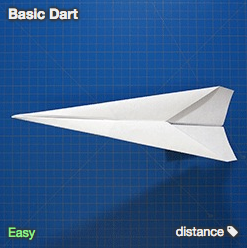
- Practices making paper planes using some paper that you can find.- Use these websites to help you
- - - > http://www.foldnfly.com/#/1-1-1-1-1-1-1-1-2
- - - > https://paperairplaneshq.com/

Write
- Use the template here

Share
- Share your three best designs
- Why did you choose them, what made them great

Extra- Have a competition with your family and blog about the results!
Remember to use the Label: Team 4 Holiday Blogging
Monday, 8 July 2019

Team 4 Holiday Blogging - Bonus Task


Bonus Task*: Reading log

*Bonus Bonus Bonus Bonus Bonus
This task will not count towards the 10 total tasks. It is a bonus task that will count towards EXTRA points.
Task 2 will arrive tomorrow!

Instructions


Your bonus challenge is to..... READ!

While on Holiday read as many books as you can!

Record your progress here using this Reading log <--- Make a copy

Step 1
- Make a copy of the Reading log
- Add your Name, Class, Teacher
- Fill in your first Reading session

Step 2
- Sharing settings to "Anyone with the link"
- Publish to the web, select Embed
- Copy to Blogger HTML section


Step 3
- HACK IT
- Inside the code after iframe write [Width=100%] this will make it go across the whole page
Original

Hacked

- Finish of your blog post with a Title, Labels, and Task Description

Step 4
- Continue to update your reading log from your drive (it will automatically update your blog)

Remember to use the Label: Team 4 Holiday Blogging

Sunday, 7 July 2019

Team 4 Holiday Blogging - Task One


Task One: Animal Creation


Instructions

Read - Read and watch the easy science for Kids Video - Link here
- Read the adaptations fact sheet - Link here
Play - Build your own animal using the Build a Beast game - Link here
- - - - - - - > If it doesn't work try this one https://switchzoo.com/zoo.htm - Take a Screenshot of your animal Write - Write about your animal - - - >Intro: Introduce the animal - - - >Body 1: What kind of animal is your animal? - - - >Body 2: Where does it live, what does it eat? - - - >Body 3: What kind of Adaptations does it have? - - - >Conclusion: Do you think this is a good animal?
Share - Share your writing on your blog with your screenshot. Extra - Write a short creative writing story about your animal on an adventure!
Remember to use the Label: Team 4 Holiday Blogging

Wednesday, 10 April 2019

Silent Reading has begun

Silent Reading

We have started to use our class library shelf which we have been building all term. We have lots of different authors including our favourites:
- Roald Dahl
- Louis Sachar
- JK Rowling
- David Walliams
- Paul Jennings

Check out these posts by Room 7 who were excited for this!


Rm 7 have stared reading from our class Library shelf.  I chose the book Billy Slater book because I love Rugby League!  I choose theses photos of rugby league for my bookmark, because I watch heaps of NRL and play rugby league too.    

Walt:  We are learning to design a bookmark

Task description: First we were all on the mat then he showed us what we are doing then we went of and started looking for some images and did it.

I also picked this book because I really liked gangsta granny by david walliams and so I thought it will be cool to pick the same author as gangsta granny.